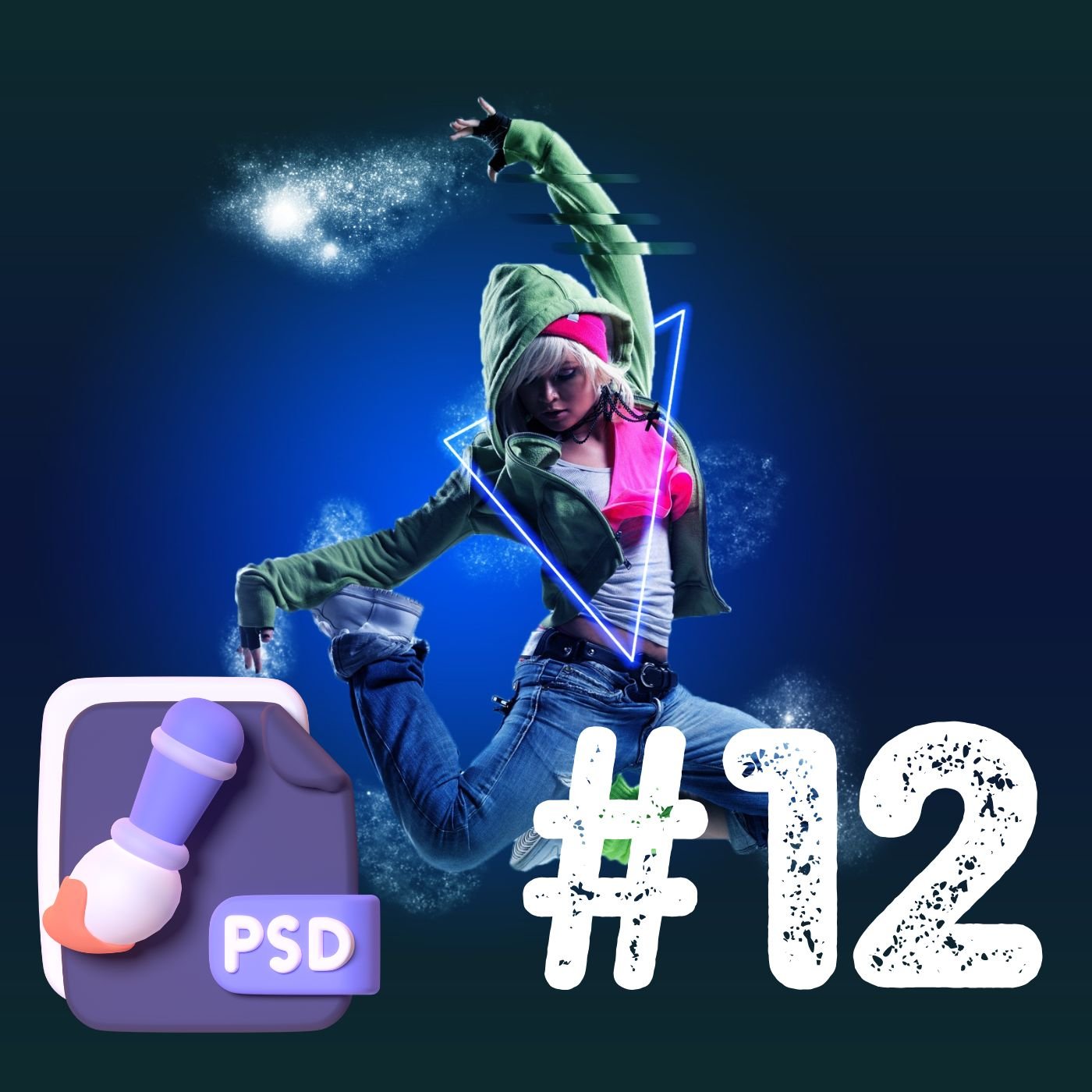
Photo Editing Photoshop – Project: How to Create a Background Blur (Lesson 12)
In this hands-on project lesson, you’ll learn how to create a stunning background blur effect to make your subject stand out. We’ll guide you through selecting the subject using advanced selection tools, isolating it from the background, and applying blur effects such as Gaussian Blur or Field Blur. Discover techniques to maintain natural depth and ensure seamless transitions between sharp and blurred areas. By the end of this session, you’ll be able to add a professional touch to portraits and product photos with a captivating background blur effect.