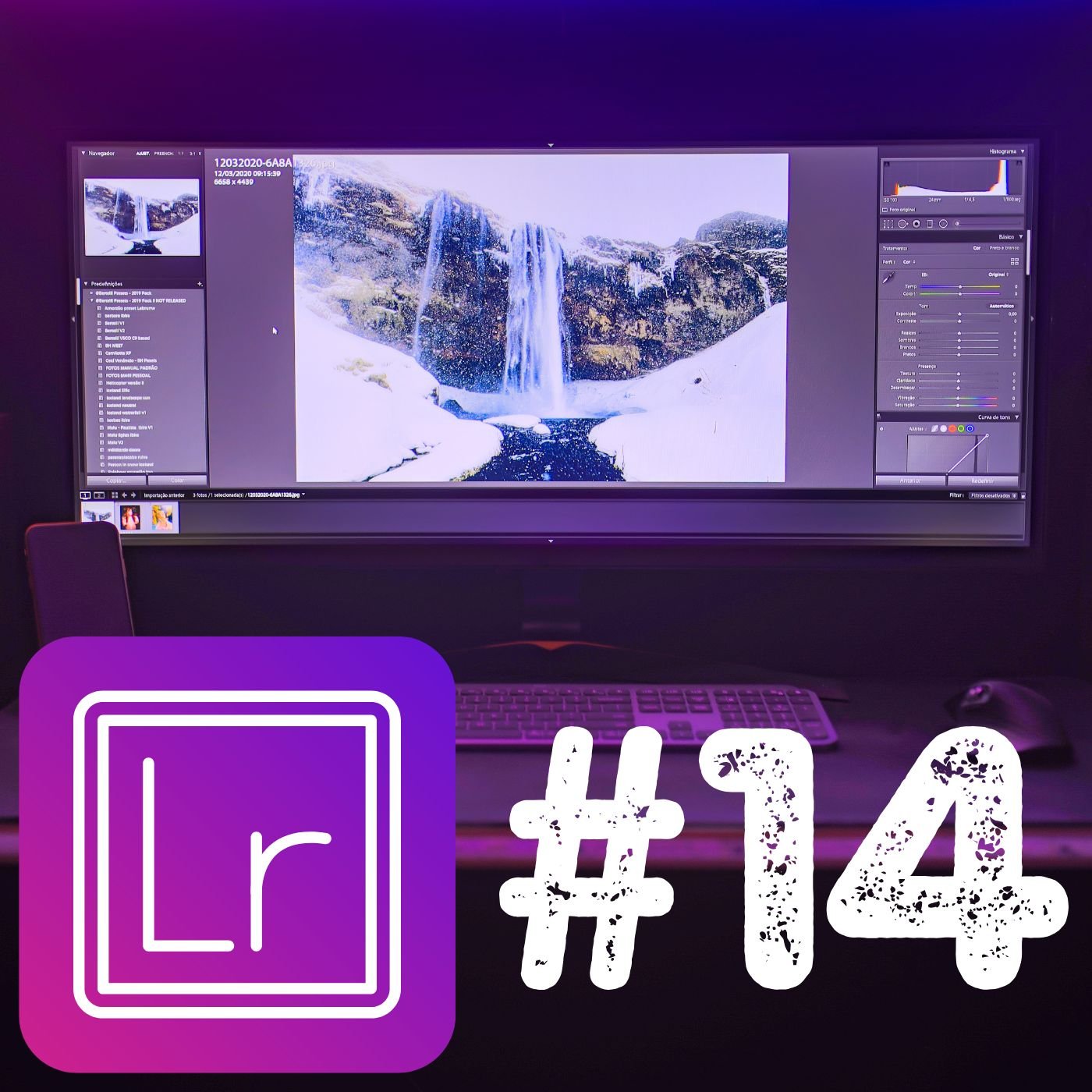
Using healing brush, Removing objects and Skin retouching 14
18,99 €
Photo Editing Lightroom – Using the Healing Brush, Removing Objects, and Skin Retouching (Lesson 14)
In this advanced lesson, you’ll learn how to refine your photos by using Lightroom’s Healing Brush to seamlessly remove unwanted objects and imperfections. Explore techniques for correcting blemishes, cleaning up backgrounds, and enhancing skin texture for natural, polished results. We’ll cover the difference between Clone and Heal modes, and how to use them effectively for various editing scenarios. By the end of this lesson, you’ll be equipped with powerful tools to perfect your images, ensuring a professional and flawless finish.